Better grab extra?
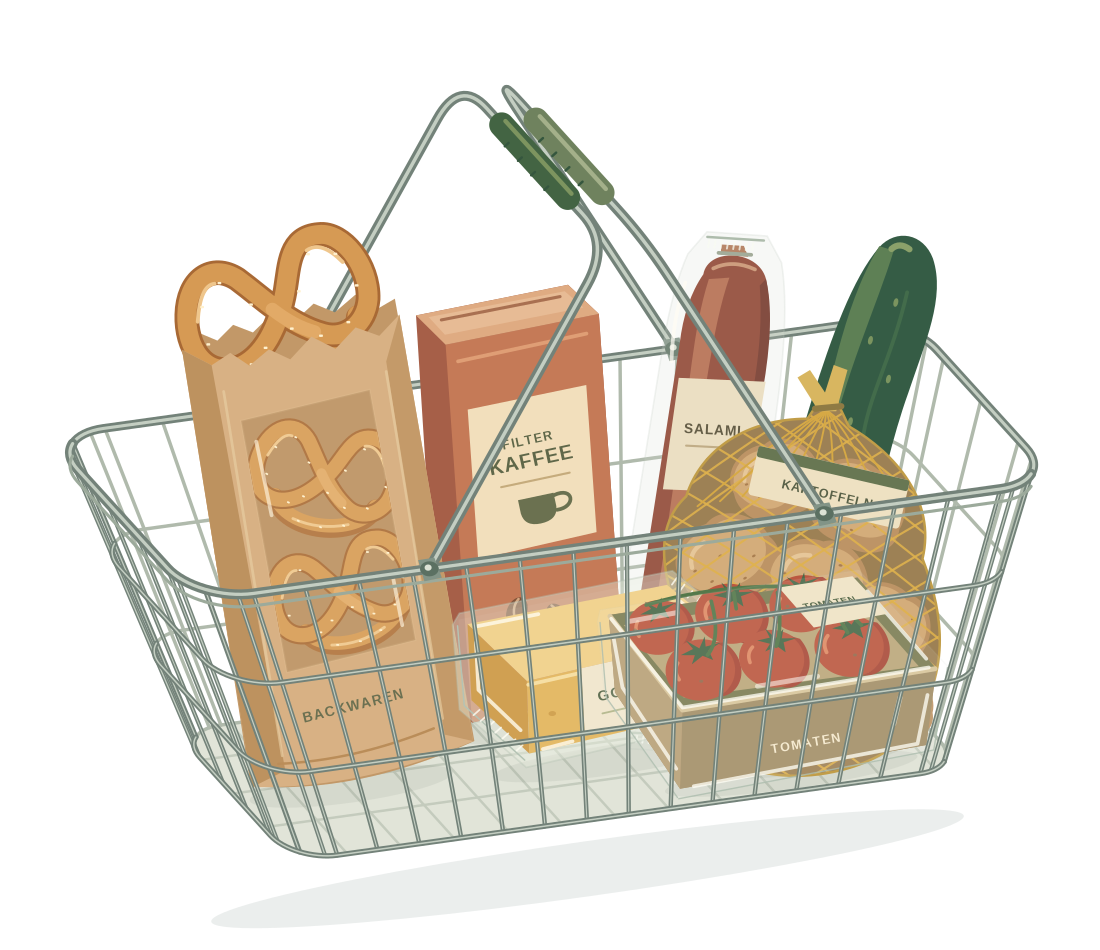
You’re not sure how much milk is left, so you buy more.
LISTER FOR ANDROID
With Lister, you can quickly create shopping lists, share them with family or roommates, and stay organized as you shop.

Helping people organize their shopping since 2011.
SOUND FAMILIAR?
You’re not sure how much milk is left, so you buy more.
You both bought milk. Neither of you bought cereal.
You’re home with the hot dogs, but forgot the mustard.
A weekly reminder helps you check what you have at home.
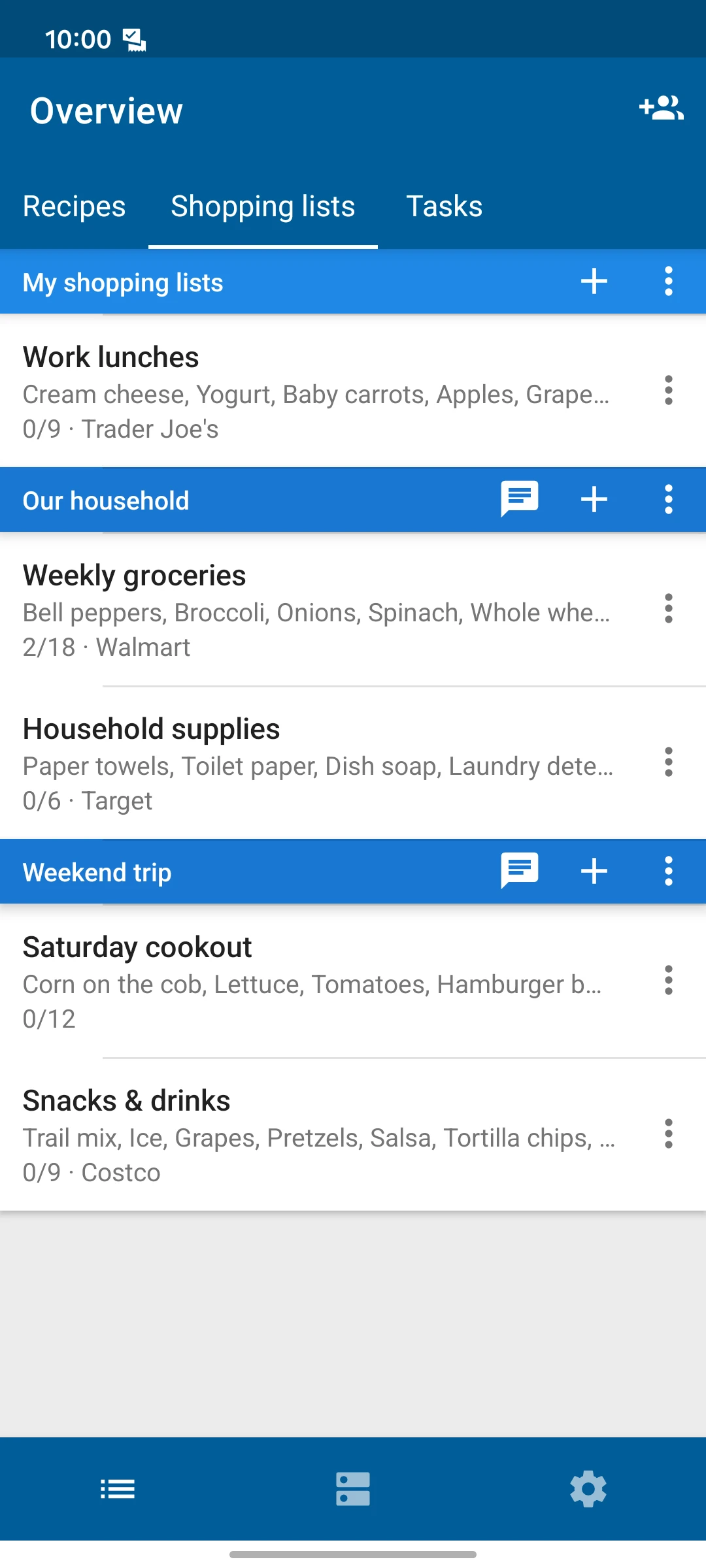
Everyone in your household adds what they need.
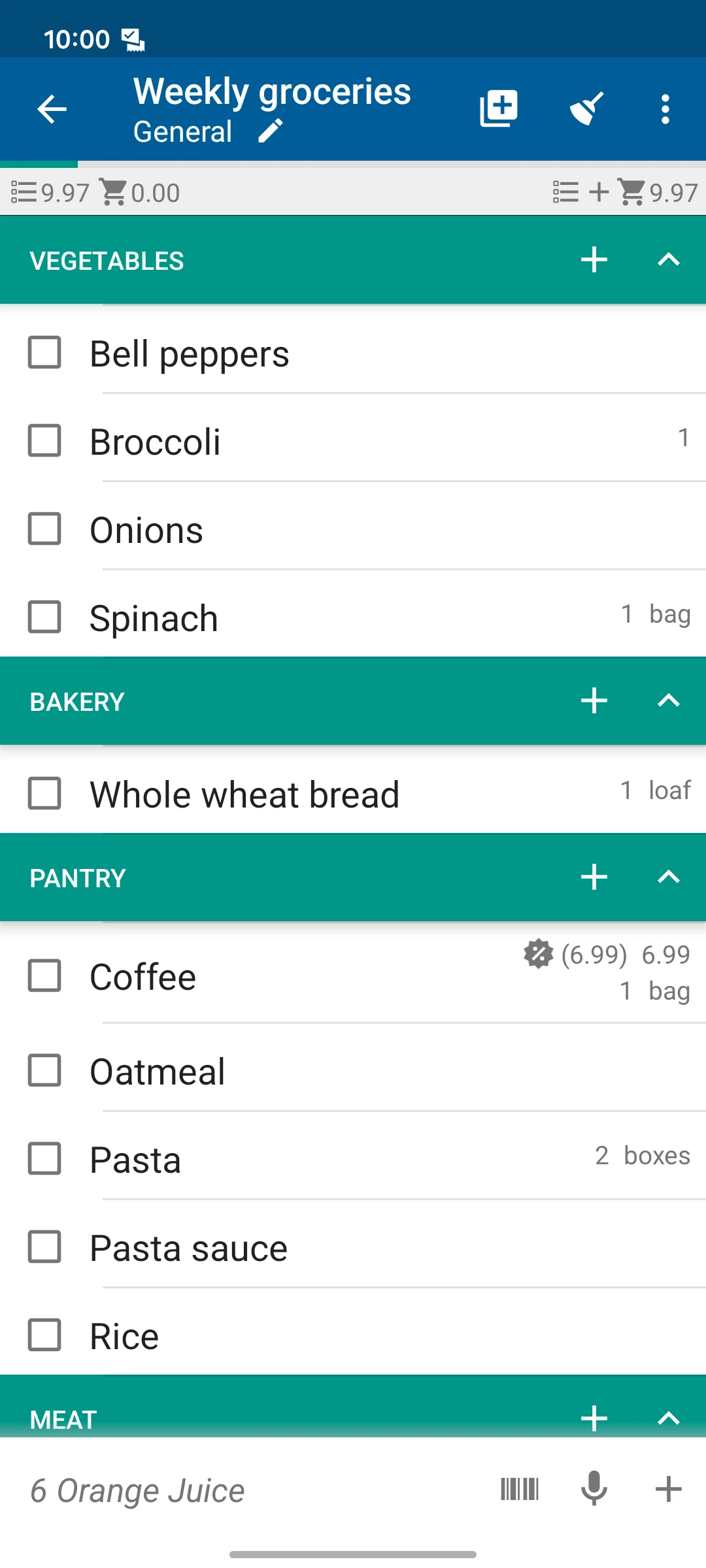
Cross off items as they go into your cart.
Keep your household’s lists in one group and create another for a trip with friends. Use Lister’s built-in group chat to ask which brand or size someone meant, without switching apps.
Choose from your saved items instead of typing everything again. You can add quantities and units, too.
If you usually start with produce, put that category first. You can save a different category order for each store.
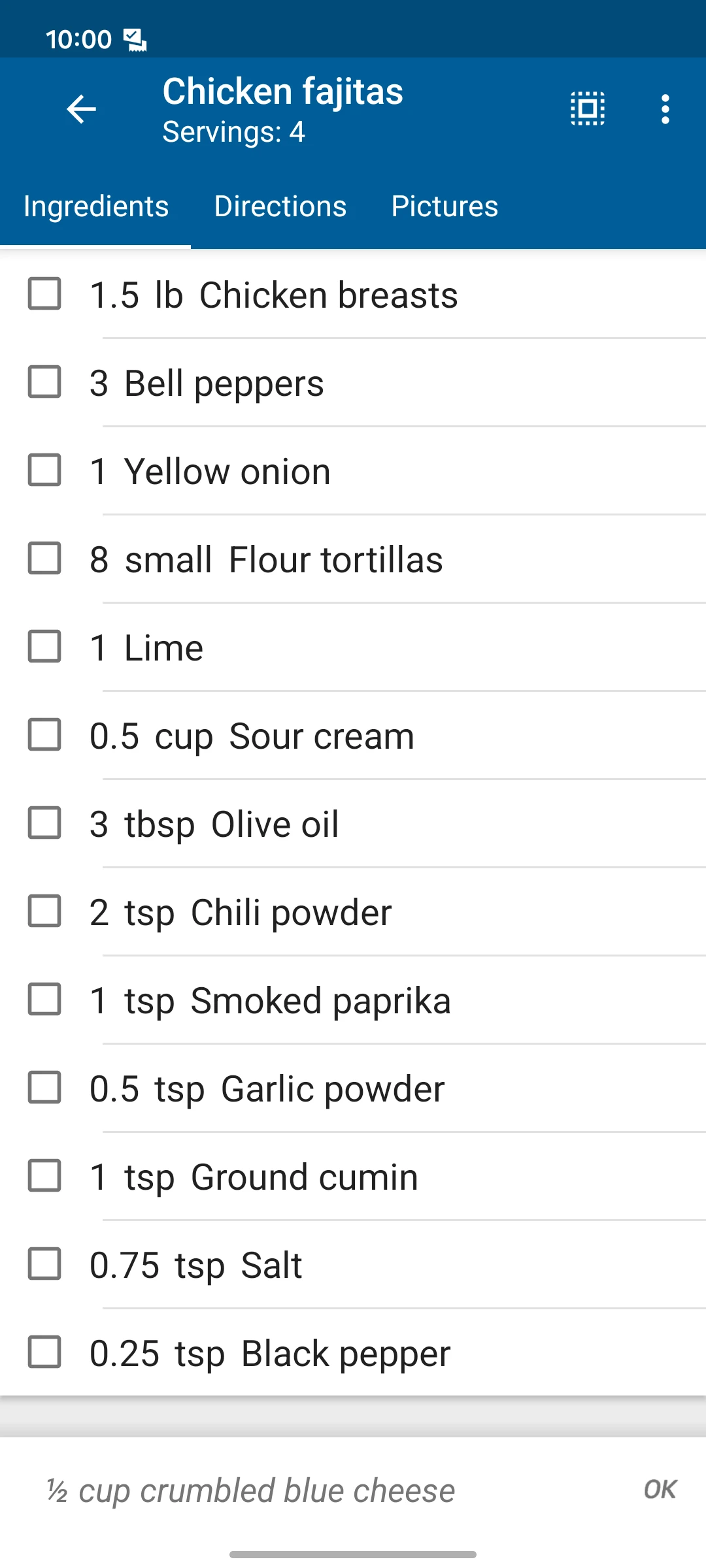
Save recipes with photos and instructions. Choose how many servings you want, then add the ingredients to your shopping list.
GOOD OFFERS. PART OF YOUR PLAN.
Browse supermarket and discount-store catalogs in Lister. Save the offers that fit your shopping plans.
See what stores in your area have on sale.
Save a cropped image of an offer to an item on your shopping list.
Save searches for products you’re interested in. Lister notifies you about matching offers on your chosen days.
Catalogs and offers vary by region. Saved offer searches require a Lister account.
For the next shopping trip
About
While studying computer science, I taught myself to build Android apps. I was also passionate about making cocktails and hosted themed cocktail nights for friends in my studio apartment. With limited space and a student budget, I planned each evening around one or two spirits and bought only the ingredients I needed.
I started developing a cocktail app that included a shopping list for the ingredients. As I worked on it, the shopping list gradually became a project of its own. I got so absorbed in developing it that I even skipped several weeks of university lectures.
The shopping list was first released as a standalone app. Within a few weeks, it had been downloaded ten thousand times. That led me to focus entirely on developing it further. The cocktail app that started it all remains unfinished to this day.
Today, the app is called Lister and is part of many people’s daily lives. I’ve been developing it for over 15 years. It all started with cocktail nights with friends and a shopping list for the ingredients.
Anyone organizing groceries for their household, whether you live alone, with a partner, with family, or with roommates. Shared lists help when more than one person plans or shops.
Lister is free to use and includes ads. You can remove ads with an in-app subscription.
You can use your own lists without an account. A Lister account is needed to sync between devices, share groups, and save searches for offers.
Lister is an Android app. Visit its Google Play page to check compatibility with your device. Catalog and offer availability depends on your region.